Start a 30-day free trial.
All you need is a Google account and the Vecna Selfie Admin extension on your computer.
How to start your trial
-
Open the Admin extension
Install Vecna Selfie Admin in your desktop browser. Open the Extensions menu in the toolbar and select Vecna Selfie Admin.
-
Sign in with Google
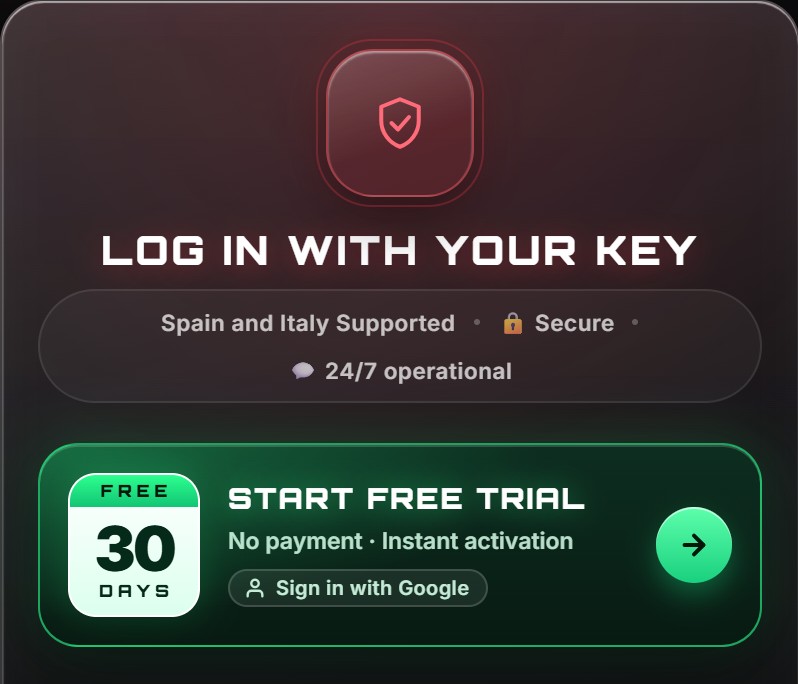
On the extension’s sign-in screen, select Start Free Trial. If Google prompts you, choose the account you want to use and complete sign-in.
-
Save your trial key
The extension activates your key and opens a confirmation tab. Select Copy key to save it. This tab also shows your expiry date and a QR code to download the Android client app.
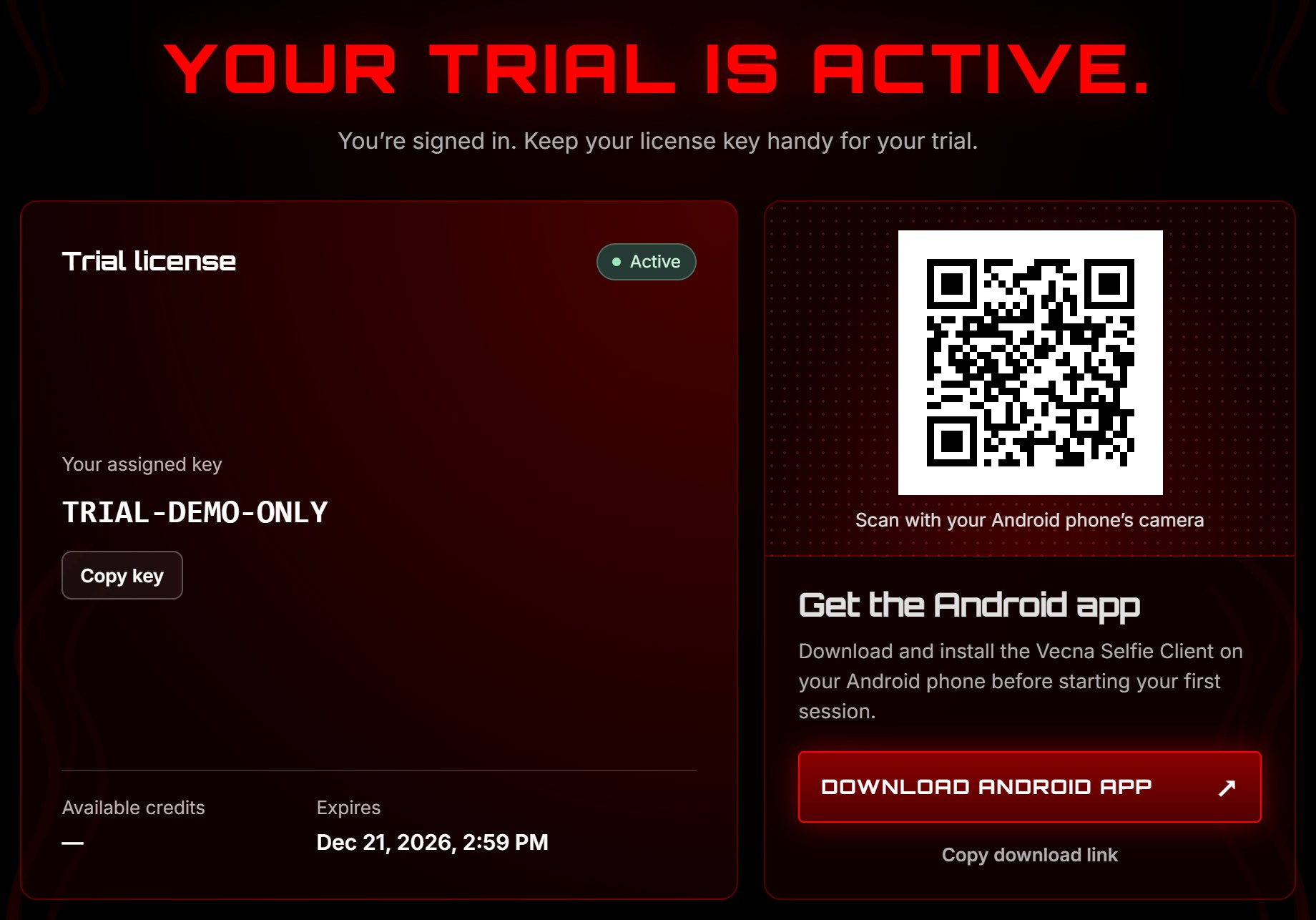
Confirmation screen with a sample key.